Every account signed in. Switch in one click.
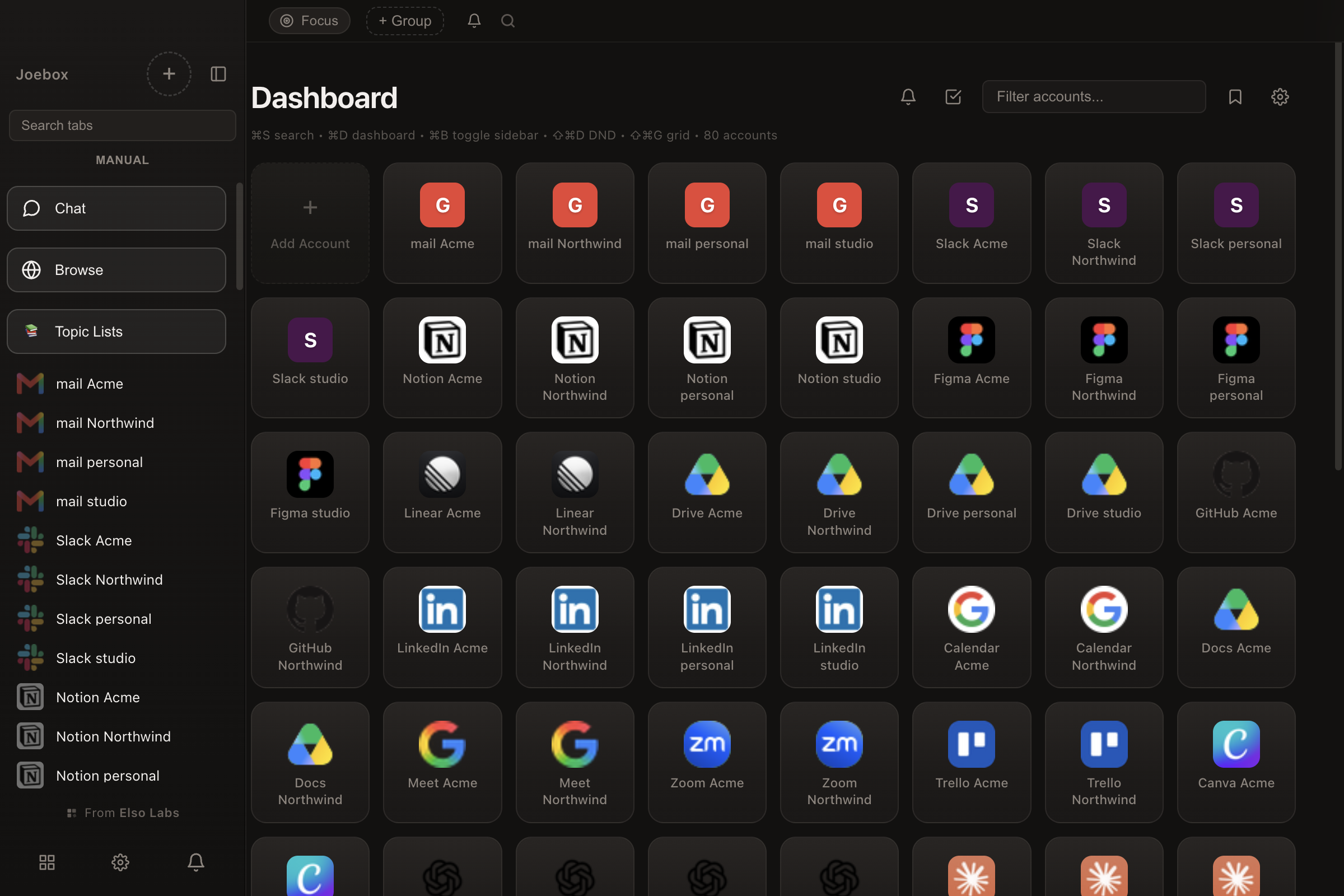
Sign in once. Each account stays separate, and every one of them is a click away. Two Gmails, three Slacks, work and personal WhatsApp, one window.
Free for 5 accounts. Mac, Windows and Linux.
Sign in once. Each account stays separate, and every one of them is a click away. Two Gmails, three Slacks, work and personal WhatsApp, one window.
Free for 5 accounts. Mac, Windows and Linux.
Free for up to 5 accounts. Download it and start in under a minute.
Stay local
Everything you sign into, everything you open and everything you save stays on your own computer. That is what keeps it safe. Each account is kept completely apart from the rest, so one cannot see another's login. That is built into how Joebox works, not something we have to remember.
Works with
46 built-in apps, plus any website with a custom URL.
 WhatsApp
 Gmail
Gmail Slack
Slack Discord
 Instagram
 Outlook
 Messenger
 Telegram
 LinkedIn
 Facebook
 X / Twitter
 Calendar
 Drive
Drive Zoom
Zoom Notion
 Linear
 GitHub
 Figma
Figma ChatGPT
 Claude
 Trello
 Reddit
 TikTok
 YouTube
 Canva
Canva Spotify
 Pinterest
 Twitch
 Zoho Mail
 Luma
Luma BeMyBrain
 Authentic Sources
 Rocknell
 Newnex
+ any website via custom URL
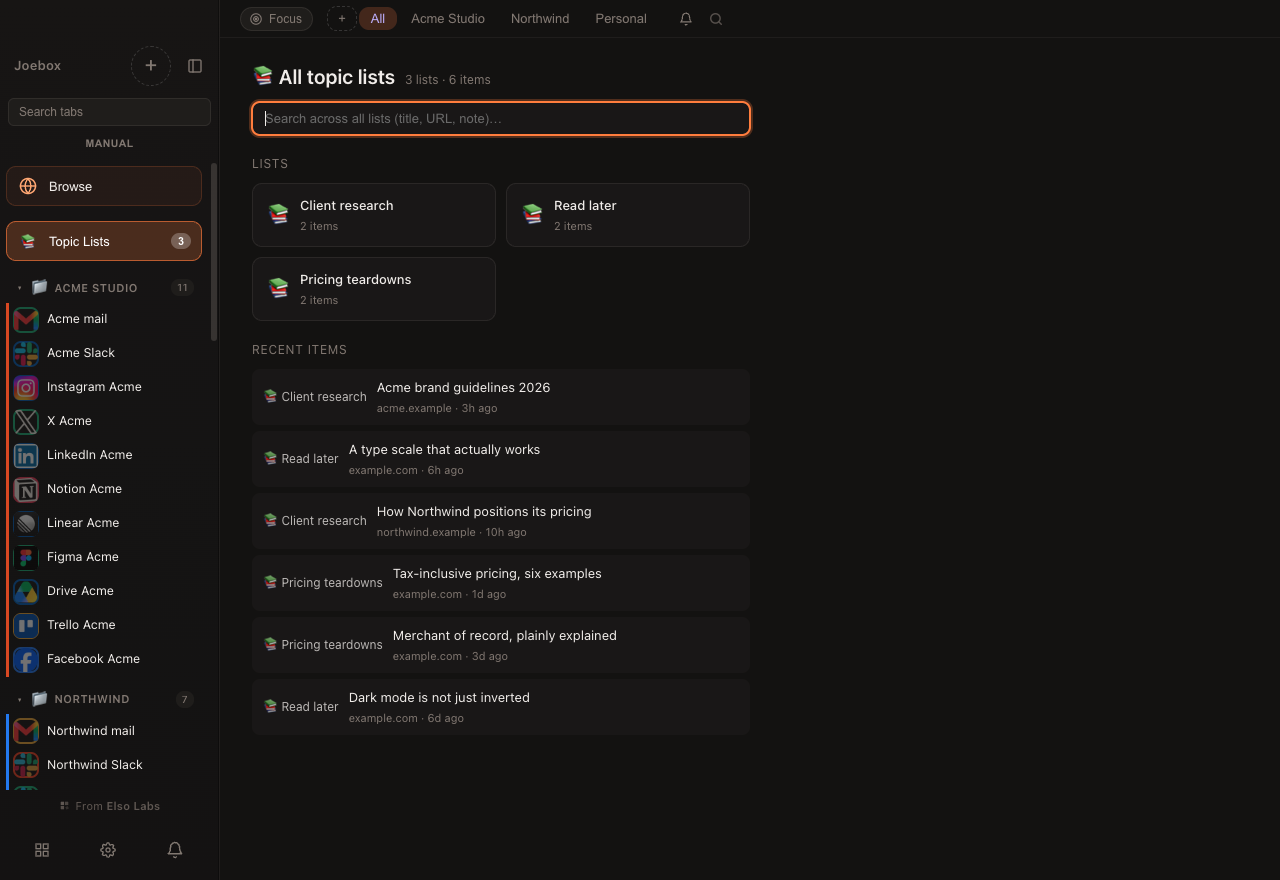
Every account in one window, and everything you saved from them.
Built for
Agencies, businesses, social media managers, and anyone with ten browser sessions open right now.
One set of accounts per client. Group them by client, by project, or by whoever is working on them. Nothing gets mixed up.
Shared inboxes, support logins, finance portals, supplier accounts. Every one of them signed in and kept apart, with the logins staying on the machine.
Every Instagram, Meta Suite and X account open at the same time. Post and reply without logging out of one to reach another.
Work email and personal email. A second WhatsApp. Two ChatGPT accounts. You do not need to be anyone in particular for this to be less annoying.
How it works
Add an account, organize it, and switch. That's it.
Pick from 46 built-in apps or add any URL. Every account is kept completely apart, so one cannot see another's login.
Create groups like Work, Personal, or Client A. Filter your sidebar in one click. Keep your contexts separate.
Click the sidebar, use Cmd+1-9, or hit Cmd+K to search. Joebox hibernates what you're not using to keep things fast.
Features
A fast app that does its job. Add as many accounts as you like. Some people run five. Some run three hundred.
Two Gmails, three Slacks, work and personal WhatsApp. Every one of them stays signed in, and switching between them takes one click.
Put accounts into groups for a client, a project, or a side of your life. An account can sit in more than one.
You sign in once and Joebox remembers it on your own computer. Nobody else is holding it for you.
Type any address and go, the way a browser should. Click a link that belongs to one of your accounts and Joebox asks which one should open it.
Keep any page from any account, with a note on why you kept it. Search all of them months later and it is still there.
Two apps at once. Drag the middle to give either side more room. Or pull an account out into its own window.
Keep a video in the corner while you work.
Do Not Disturb, mute any account, and idle apps go to sleep so your laptop stays cool.
A PIN, auto-lock when you walk away, and wipe any account in one click.
Apple Silicon and Intel Macs, Windows, and Linux as an AppImage or a .deb.
The platform
Joebox holds every account you have. That only works if the foundations are strict.
Each account runs in its own separate session. One cannot see what another is signed into - that is how Joebox is built, not a setting.
Sign-ins, history and everything you save live in a folder on your own computer. Export it or delete it whenever you choose.
A PIN locks the app when you walk away. Any account can be wiped in one click, and you can export everything to a file you own.
Pricing
Start free. Upgrade when you need more.
Tax is already in the price
What you see is what you pay.
FAQ
Yes, free up to 5 accounts. Pro is $7 a month or $49 a year for as many accounts as you like, and the tax is already in that price.
It stays active for as long as your subscription runs, and renews on its own. You can use Joebox on your own computers, and each one keeps its own accounts, so you set them up separately.
That is the whole point. Two Gmails, five Slacks, work and personal WhatsApp. Each one stays signed in on its own and stays separate from the rest, the same as having them in different browsers, without the switching.
46 are built in, and you can add any website by pasting its address. If it runs in a browser, it runs in Joebox.
Mac, Windows and Linux. On Mac both Apple Silicon and Intel. On Linux an AppImage or a .deb.
On your own computer, in a folder you own. When you sign into something in Joebox, that sign-in is saved on your machine and stays there.
It is a browser built around accounts rather than tabs. You can type any address and browse normally, or save a site as an account so it stays signed in.
Chrome profiles are separate windows you switch between, and most people end up with a dozen of them. Joebox keeps every account signed in inside one window, groups them how you like, and puts two side by side when you need it.
There is a Get Help item in the Joebox menu. Write what happened and it comes straight to us. We usually reply within two working days.
Yes. Right-click any account and choose Remove, or clear everything at once from Settings. You can also export all your accounts to a file and take them with you.